Products
Enterprise-grade Windows applications for secure access, kiosk deployments, and display automation.
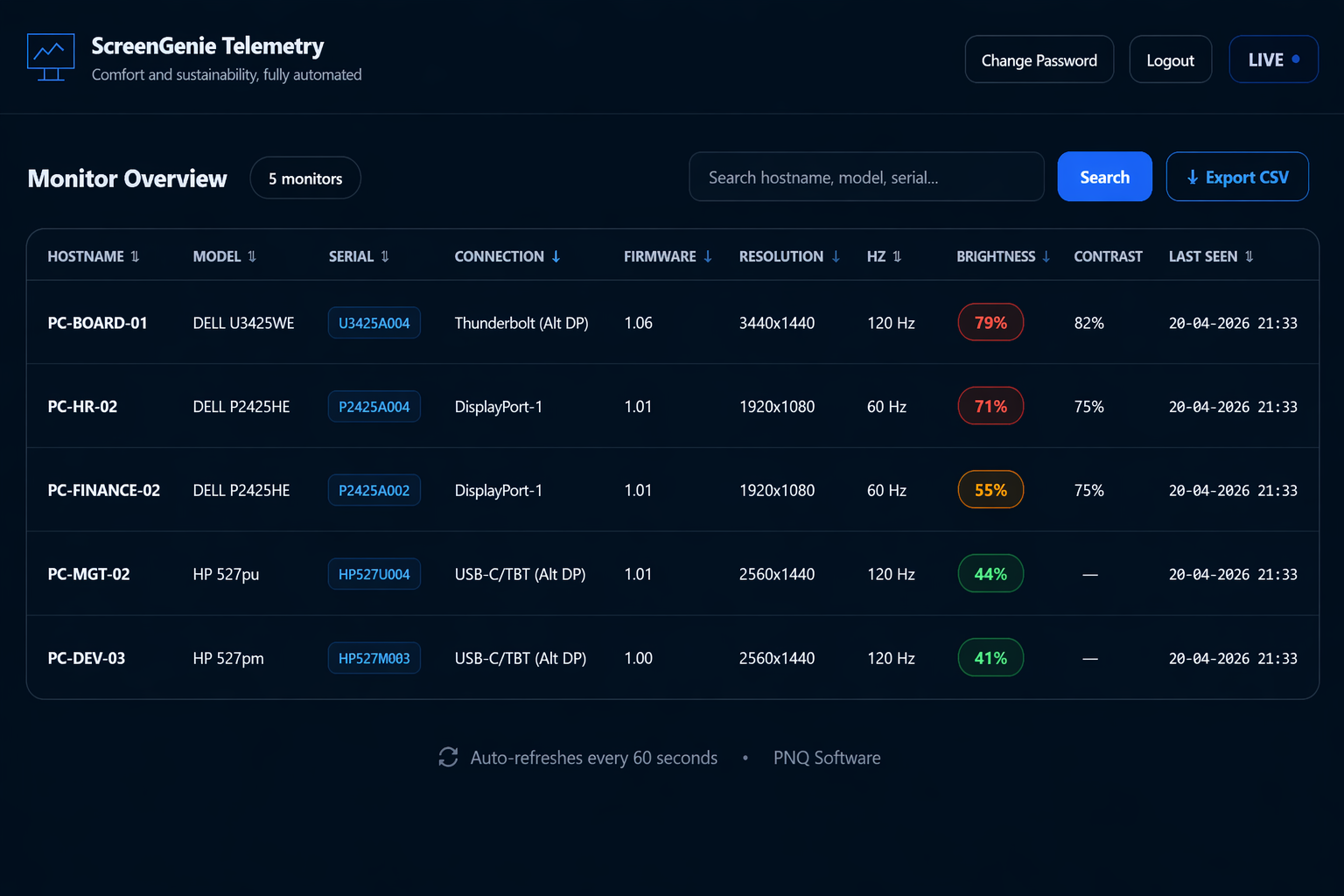
ScreenGenie
Display Management
Automated display setup and calibration when users dock — centrally manageable.
- Per-user profiles for flexible workplaces
- Brightness & contrast optimization
- Consistent multi-monitor experience
VDI Access Suite
Secure VDI
Protected access to websites or VDI environments by blocking access to the Windows desktop (shell replacement).
- No Start menu / taskbar access
- INI-based launch: Citrix, Omnissa, Microsoft AVD
- Central configuration & session management
Secure Web Solo
Kiosk browser
A locked-down browser for secure web sessions and kiosk deployments (no context menu, no function keys, no settings access).
- Operates as a standalone browser or in enhanced kiosk mode
- Fully configurable top menu
- Prevents user escape routes
What is monitor management software?
ScreenGenie is advanced monitor management software that automatically configures and enforces display settings in Windows 11 environments. It goes beyond basic adjustments by intelligently handling deduplication, multi-monitor layout, resolution, refresh rate, brightness, contrast, and fixed positioning (force left/right) based on user and monitor identity. In modern workplaces with hot-desking and flexible setups, users frequently encounter inconsistent monitor configurations, incorrect positioning, and suboptimal visual settings. These issues not only impact user comfort, but also productivity and energy efficiency. ScreenGenie eliminates this dependency on manual adjustments by applying predefined, per-user and per-monitor profiles automatically—ensuring consistent display alignment, optimal visual ergonomics, correct performance settings, and reduced energy consumption across the organization.
ScreenGenie solves this by applying predefined profiles per user and monitor, ensuring consistent display alignment, optimal visual comfort, and reduced energy consumption across enterprise environments.